
Star F.U.K.R - AFTER EFFECTS to TOUCHDESIGNER to GLSL VC
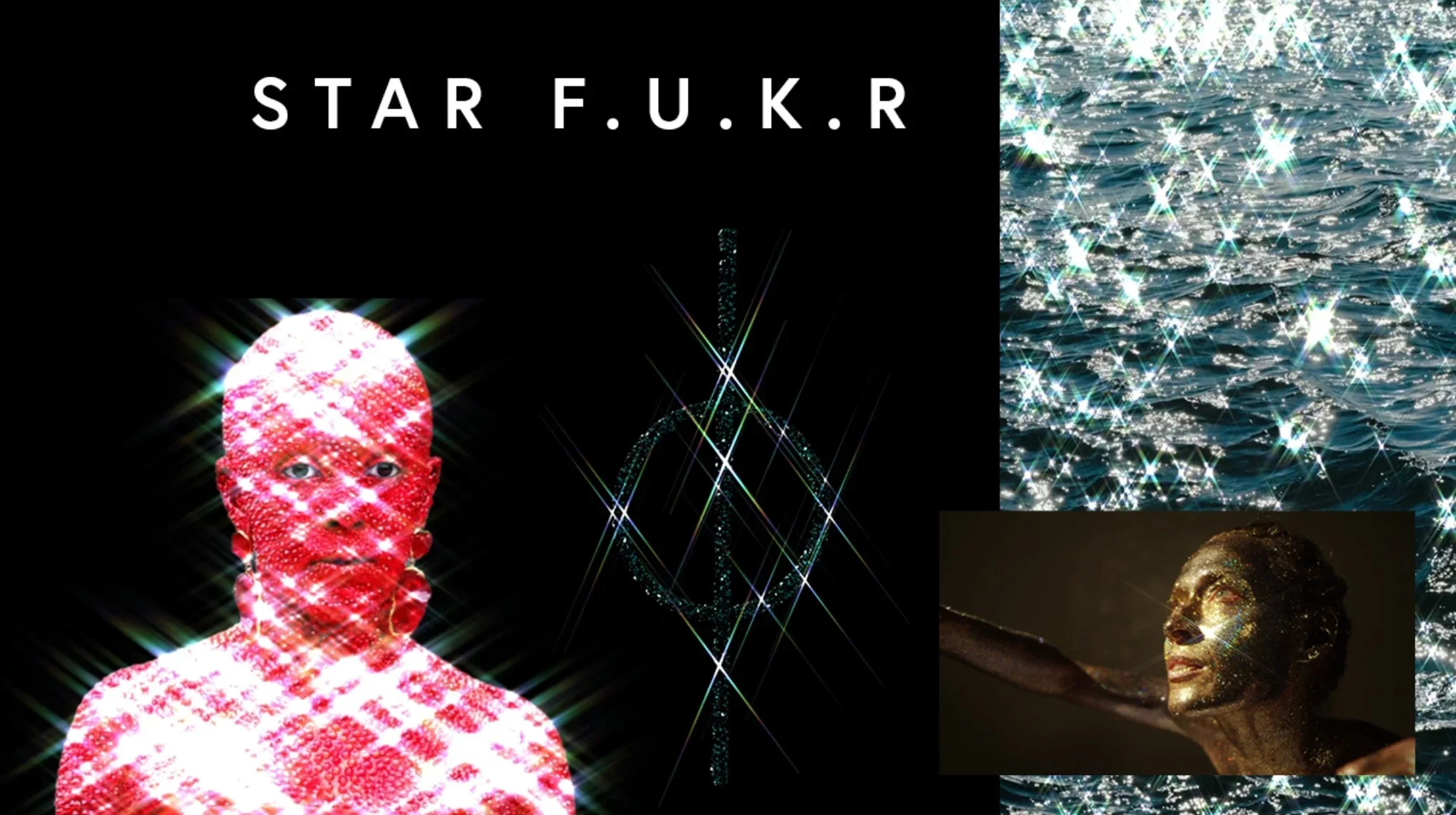
I Made a Star Filter in After Effects, Then in TouchDesigner, Then I Wrote My Own GLSL Shader With AI
A diffraction grating screwed onto the front of a lens. Light hits it, bends, radiates into spikes — four points, six, eight depending on the filter. You've seen it in concert footage and music videos for decades. You can buy one on Amazon for fifteen dollars.
I love it unreservedly.
The Arc
Post production plugin arc: You start out with the native presets, then you discover plugins, then you're managing licenses, praying nothing breaks on the next update, spending twenty minutes before every project just getting back to working order. Then we come full circle - the ae scripts installer sits stagnant and you build better effects than the plugins from the most basic of native effects, none of the seasoned pro motion designers use more than a couple of their favorite plugins (shoutout Video Copilot FX Console)
Touchdesigner has no such arc - you are treading open water - building the ship while sailing it and if youve been paying attention to whats happening under the hood with the fx plugins, Touchdesigner is eating the elephant of deepglow one bite at a time - The blur is just a directional sample with falloff. The glow is a threshold stacked on a blur. And you realize you could build that yourself
There's a woodworker who eventually makes their own tools. Not because they can't buy them — because the tools they make are better for the work they do, and the work teaches them to make better tools. It compounds.
That's where this came from. this cheeseball effect I love and noone had made one yet - at least not one with all the options I want
After Effects First
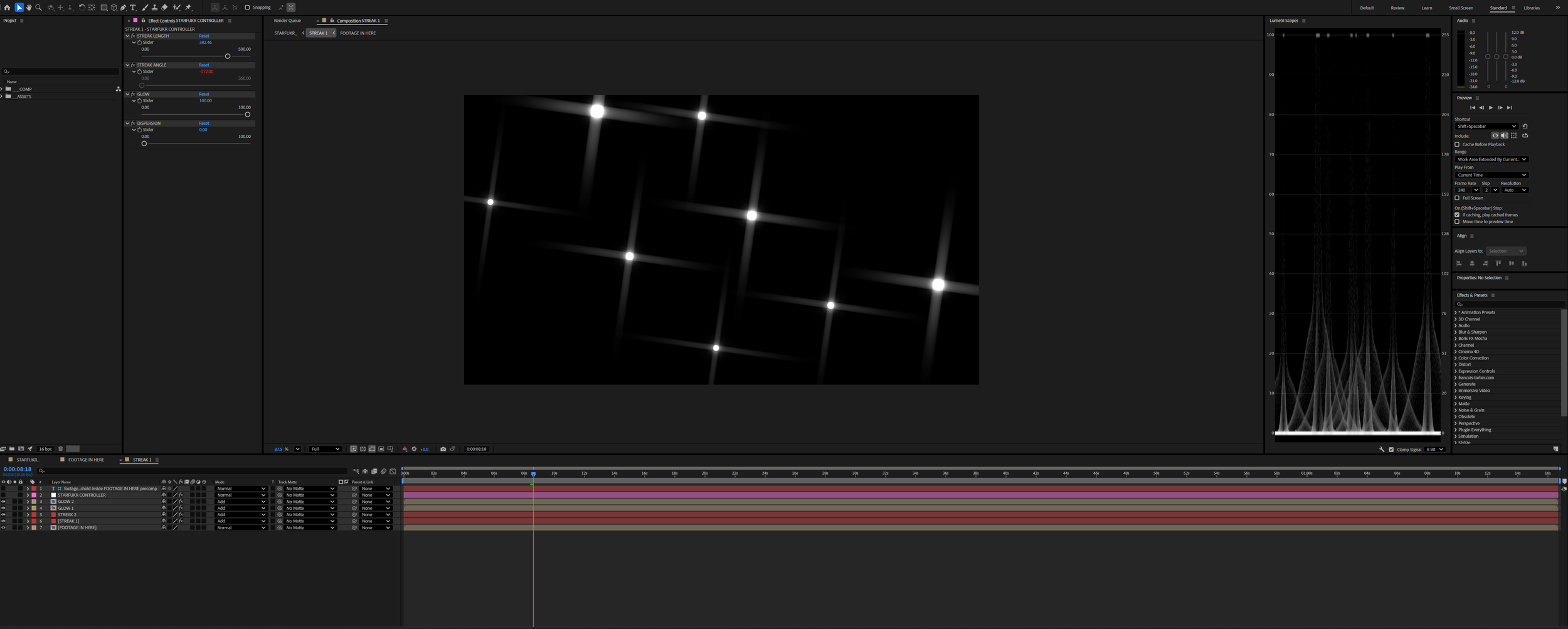
Before TouchDesigner, I built a version in After Effects. No plugins — a great starting spot made from a simple stack of native effects, although layer-based compositing is where AE becomes more squeeze than juice.
The AE version proved the concept. It also proved the ceiling. Duplicating streaks, rotating them, keeping it non-destructive — the native toolset makes you work for it. That friction pushed me toward TouchDesigner.
Download: Native After Effects Star Filter
Into TouchDesigner
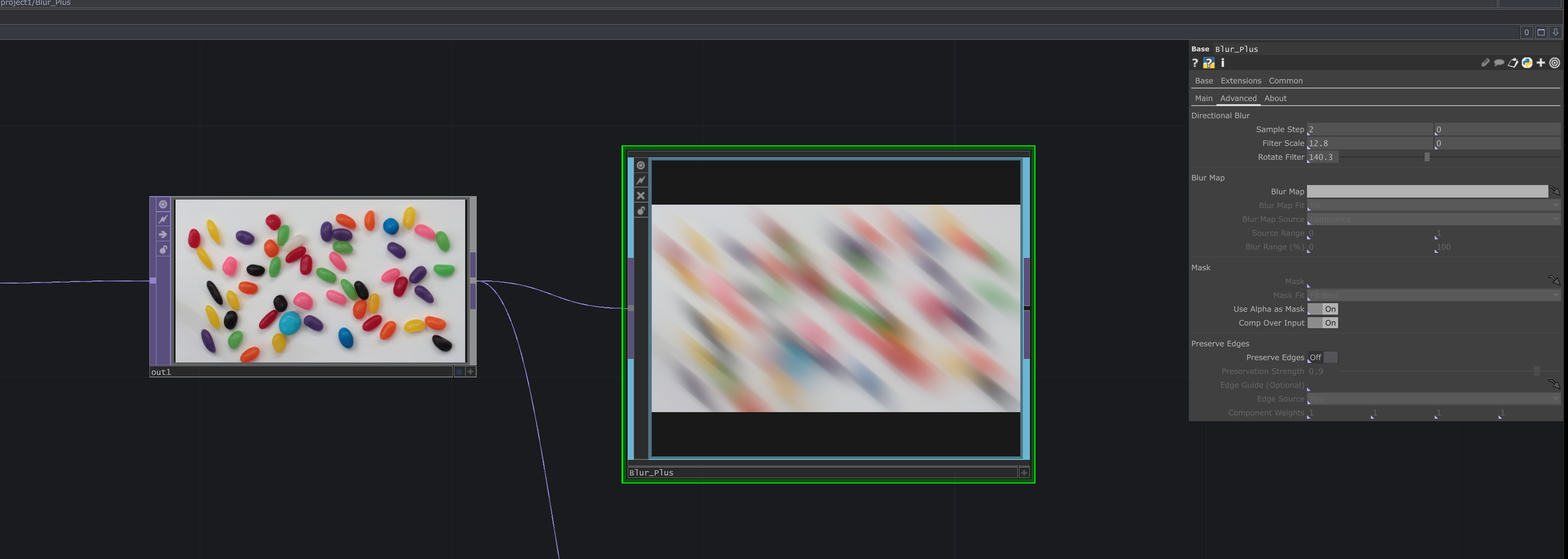
TouchDesigner's built-in blur hits a quality ceiling fast. Push it toward anything resembling a long cinematic streak and it falls short — but that's not what it was made for.
Enter Prysmatic Blur Plus — free, directional blur with rotation support. One streak looked great. Then I duplicated it four more times, because that's how a real 6-point star filter works. High quality directional blur, enough texture sampling steps to cross the entire screen — running five times in parallel. Not what it was built for. Frames started dropping.
Next step: write a hyper-focused GLSL streak shader. Not a blur with that look — an actual streak.
Writing the Shader
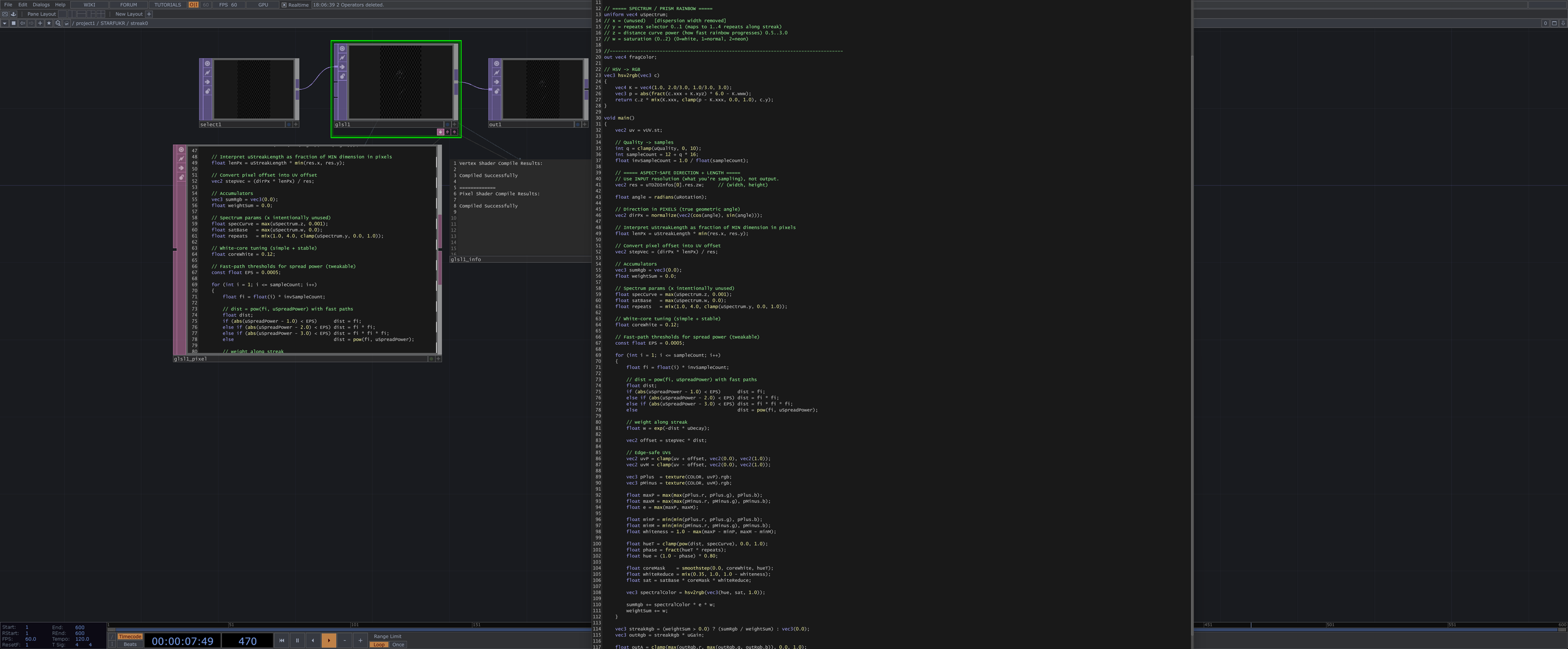
Off to ChatGPT — with one condition: teach the GLSL principles as we go, don't just hand me code.
First color attempt: RGB channel separation (sample R, G, B at slightly different offsets along the streak) Looked like a cheap chromatic aberration effect, not a prism. Scrapped it.
Real star filters can produce ROYGBIV dispersion along the streak, not across it. HSV hue ramp driven by distance from center — white input, full visible spectrum output.
Also built a lateral spectral spread — rainbow bleeding perpendicular to the streak. Six extra texture fetches per sample. Confusing to use, expensive to run, hard to explain. Killed it. Performance went up. Sometimes the right move is deletion.
A real lens streak isn't a blur. It's exponential decay — bright at the core, dropping fast, long fading tail. One looks like smeared pixels. The other looks like light coming through glass.
That distinction also solved the performance problem. Gaussian sampling scales with length — longer streak, more samples, more cost. Exponential decay lets you fix the sample count instead. 12 taps at low quality, 172 at high.
Two principles gave the best results: light falloff isn’t linear. Exponential falloff—though not physically exact—balances realism and art direction. Its adjustable curve clusters samples near the source, creating a hot glow, and the same curve plus a loop slider controls color-dispersion/rainbow falloff, which remains remappable—the curve stays while the loops change.
The Result
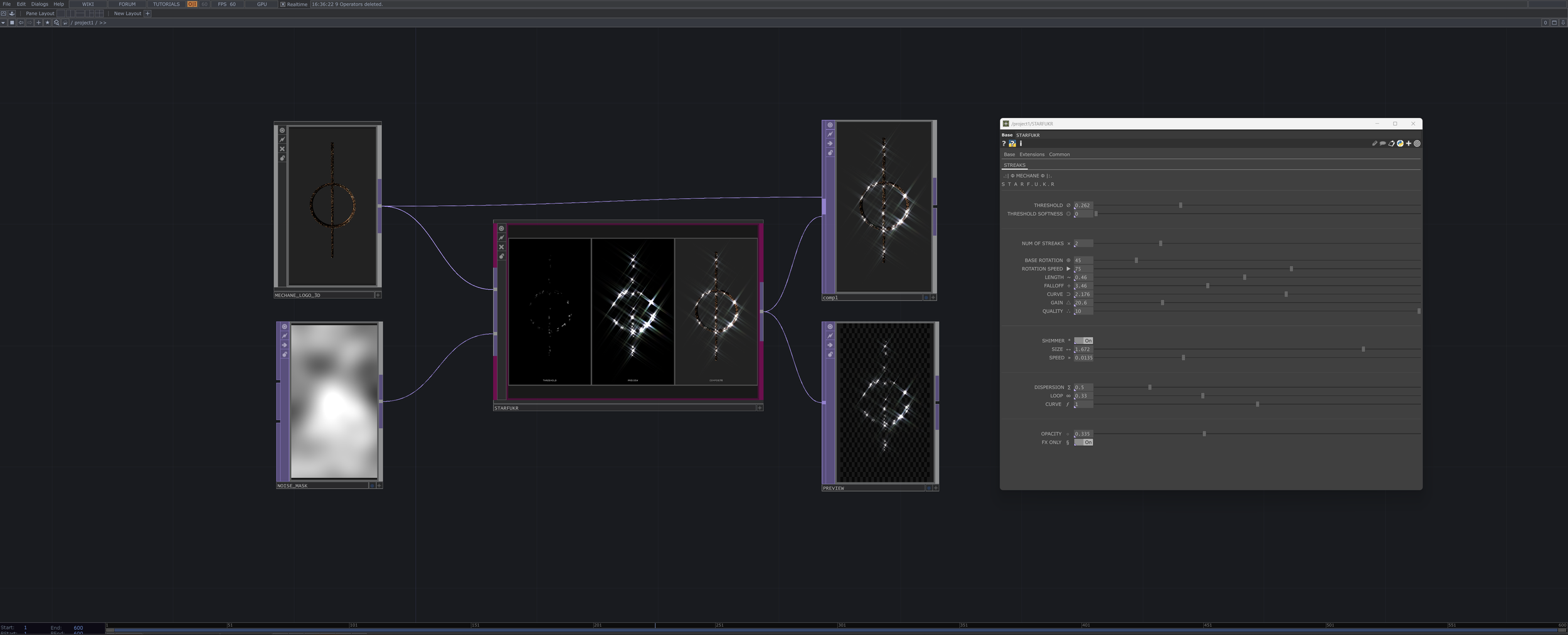
Thanks for reading All Links here
Download STAR F.U.K.R (.tox) (also on gumroad if you would like to support)
Prysmatic Blur Plus — free, worth your time
RE:SEARCH — experiments, tools, and working methods from MECHANE